How to cull your photos? With Unterlumen!
No new pictures because my workflow as a JPEG/HEIF photographer is different than for RAW users. The tools are often focused on post processing and culling by importing all into a library with star rating systems etc. The only tool that to some degree worked for me was Lightroom (the cloud version), but since I only used portions of that tool for that much money… no.
Then I tested many many other tools (commercial and free/open source ones), but there was never a fit - I had to use a combination of many.
Until… I was fed up and tried to develop a software on my own - I am a software developer in real life… so…
And it did not work, I was too slow and especially in the frontend sector I am not that up to date.
Then came AI and AI slop, so I decided to go down that rabbit hole and voila! I used Claude Code and here is the result, my own AI slop:
Unterlumen (github)
…and before you use it: backup your stuff! No one knows!
And this is why there have been no new pictures so far, I invested my time here.
It is available on basically everything that Go runs on:
macOS (Apple Silicon and Intel)
GNU/Linux
Windows
The workflow is:
I pull the pics off of my camera, all JPEG/HEIF, no RAWs
I ZIP it and put that copy on my NAS for a while
then, I see the pictures and quickly DELETE the crap
rinse and repeat - again and again I have a look again into the pictures and delete and compare and delete… until I have left what is there
then, if I forgot to use the X App from Fujifilm, I roughly add geolocation (GPS or whatever) to my pictures.
Finally, the selection (sometimes I crop or adapt brighness etc.) goes into its final destination: my NAS and from there into Immich as an external library.
Unterlumen supports me in that process the way I want. Still, missing is crop and light editing functions, but hey.
And best of all: it shows (and keeps) Fujifilm Film Simulation metadata in the EXIF ;)
But see for yourself:
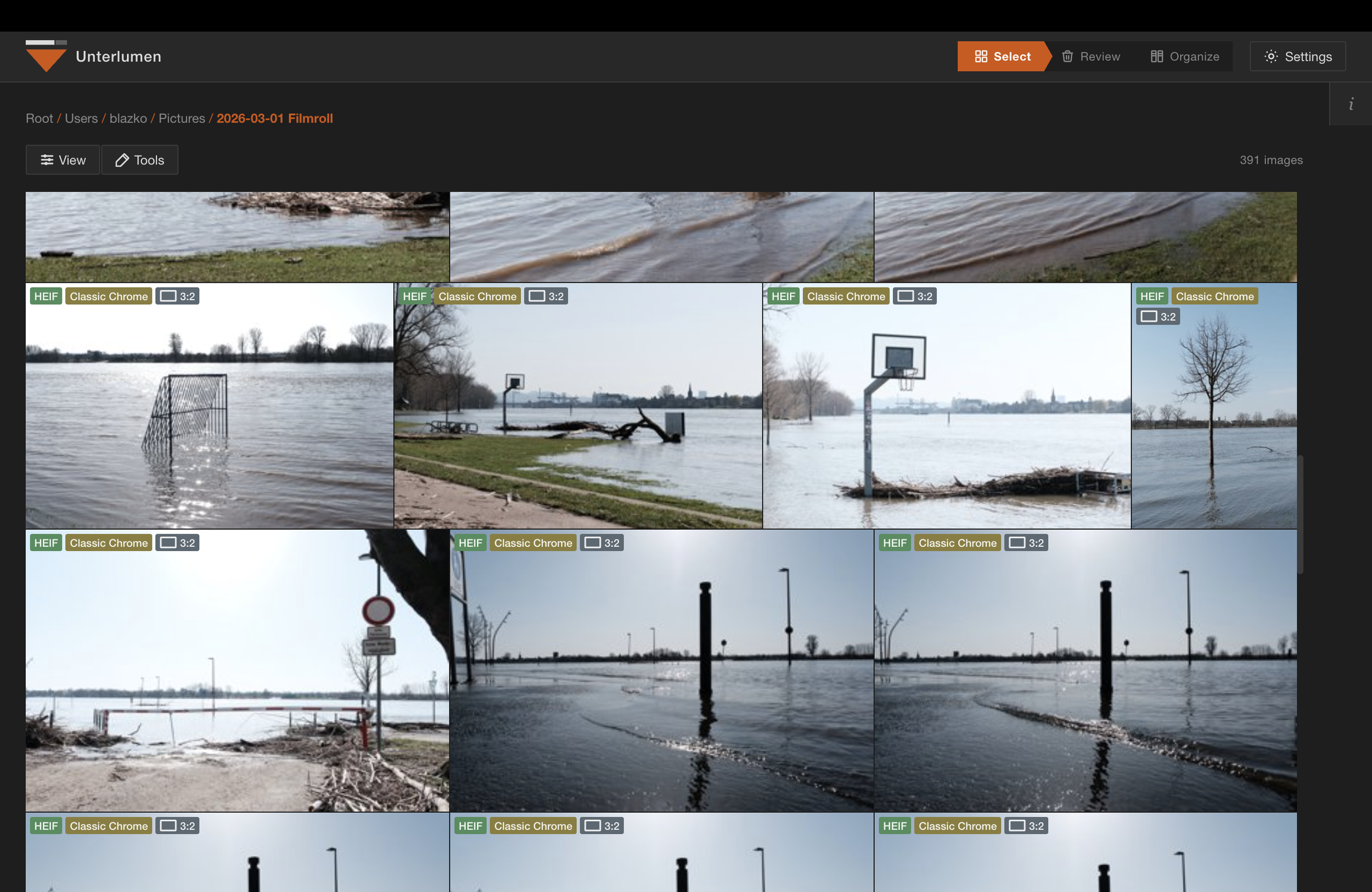
Browse and culling view
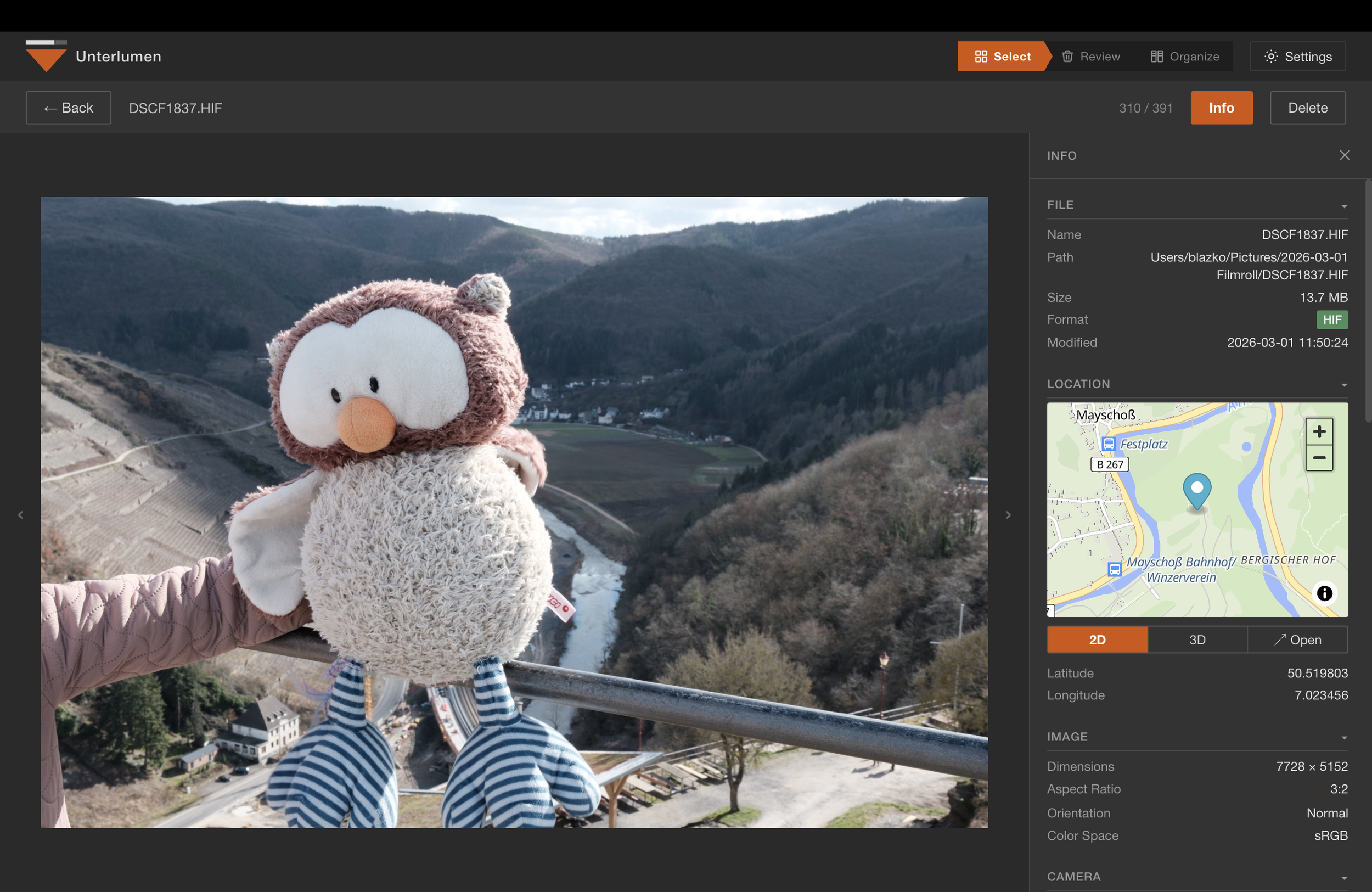
Large view with metadata (“real“ fullscreen is there, too)
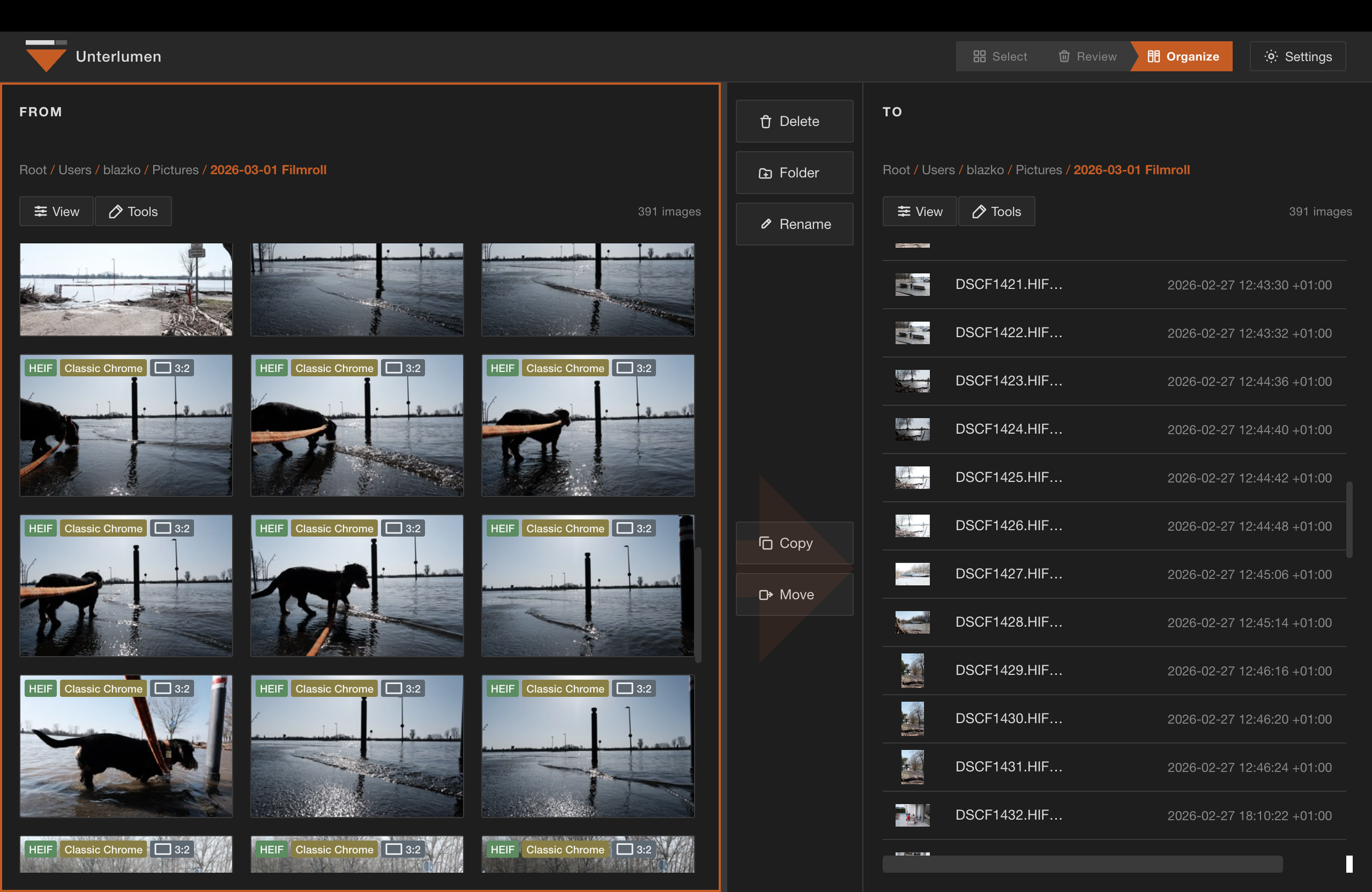
Norton or Midnight Commander like file handling
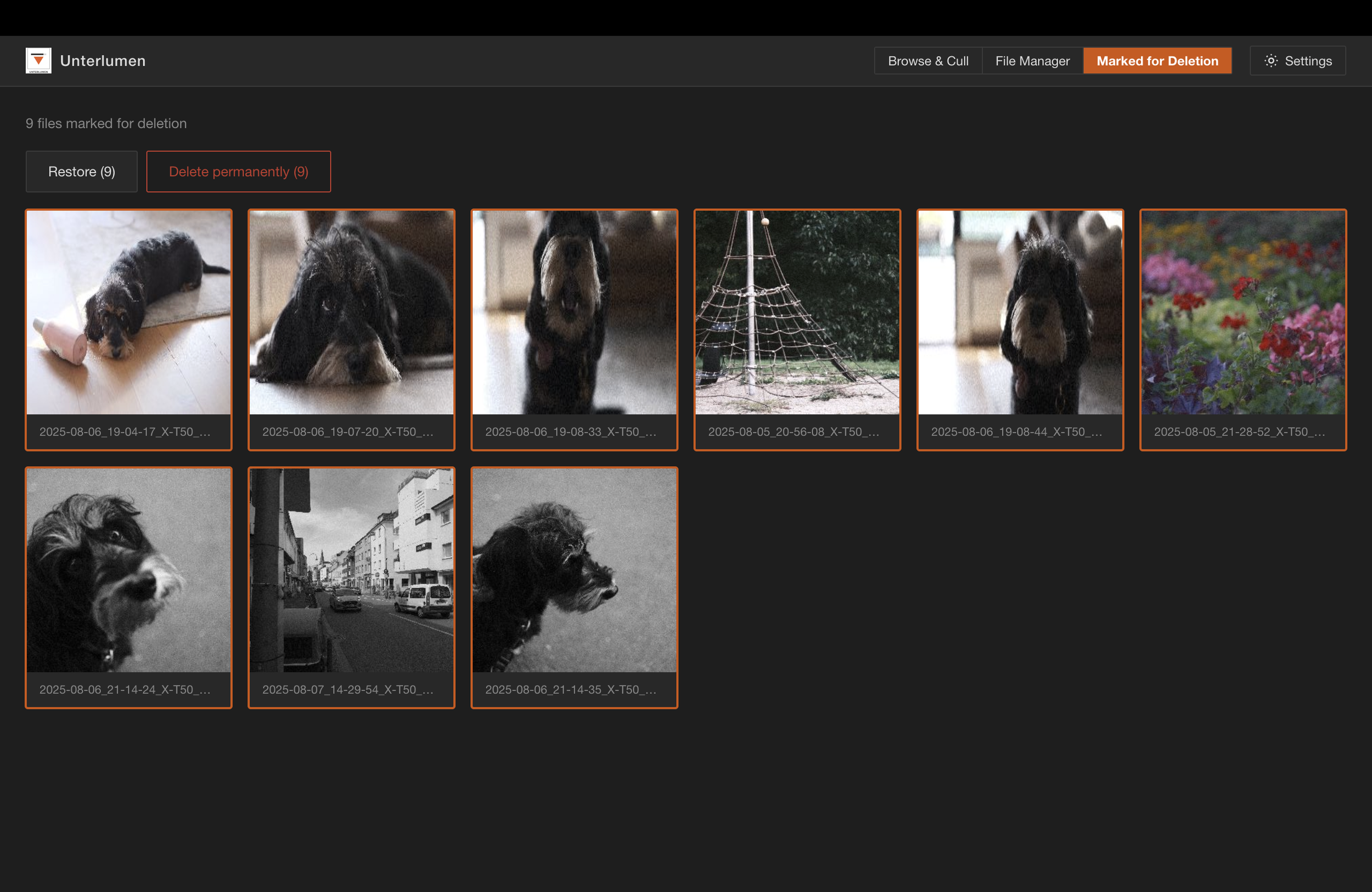
Waste bin to confirm deletions
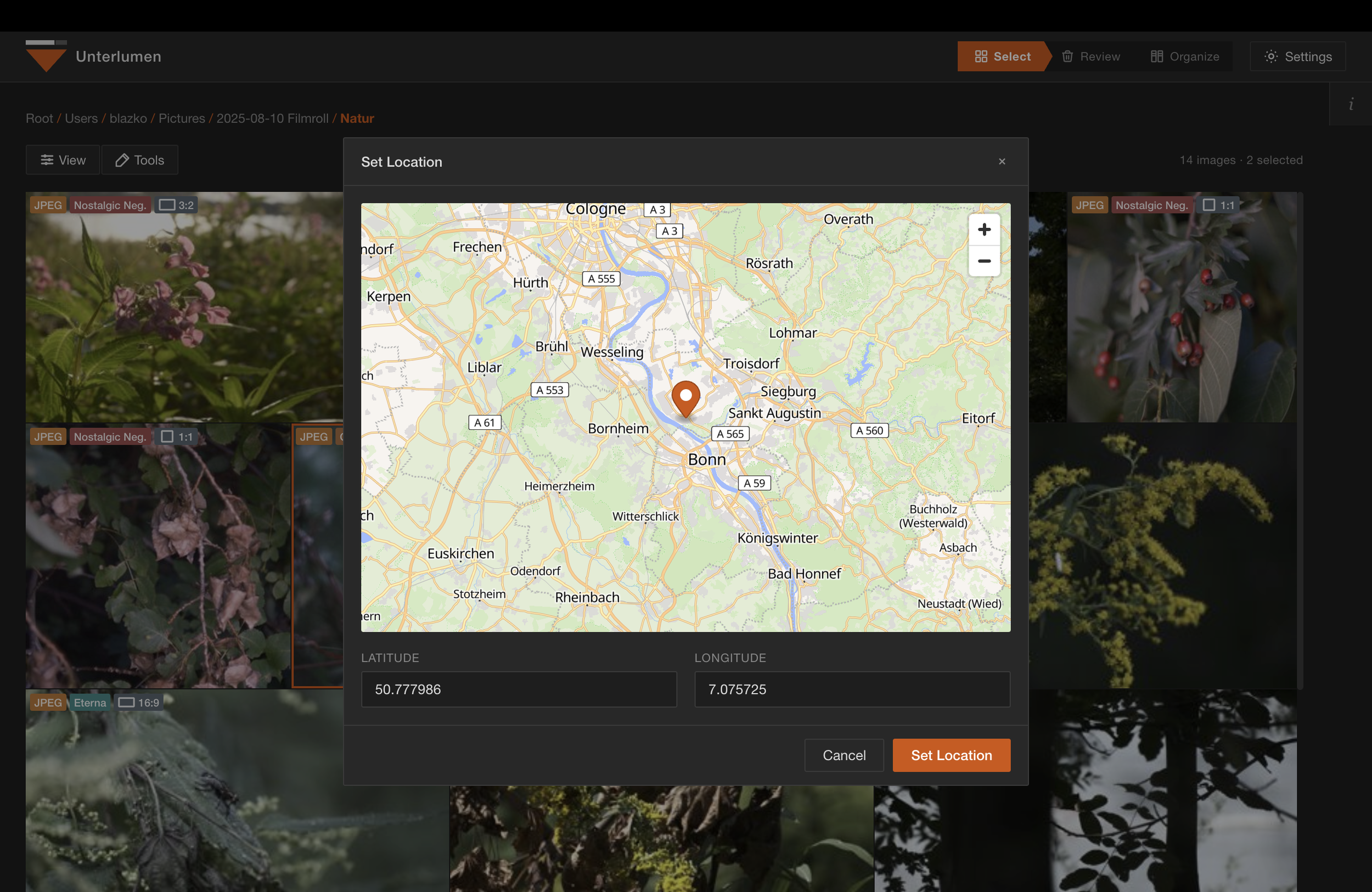
Add or remove geolocation
Unterlumen is written as a web app, but run locally. In theory, you might deploy that on a webserver if you add authentication in front on it with a reverse proxy.
